Camera modes explained
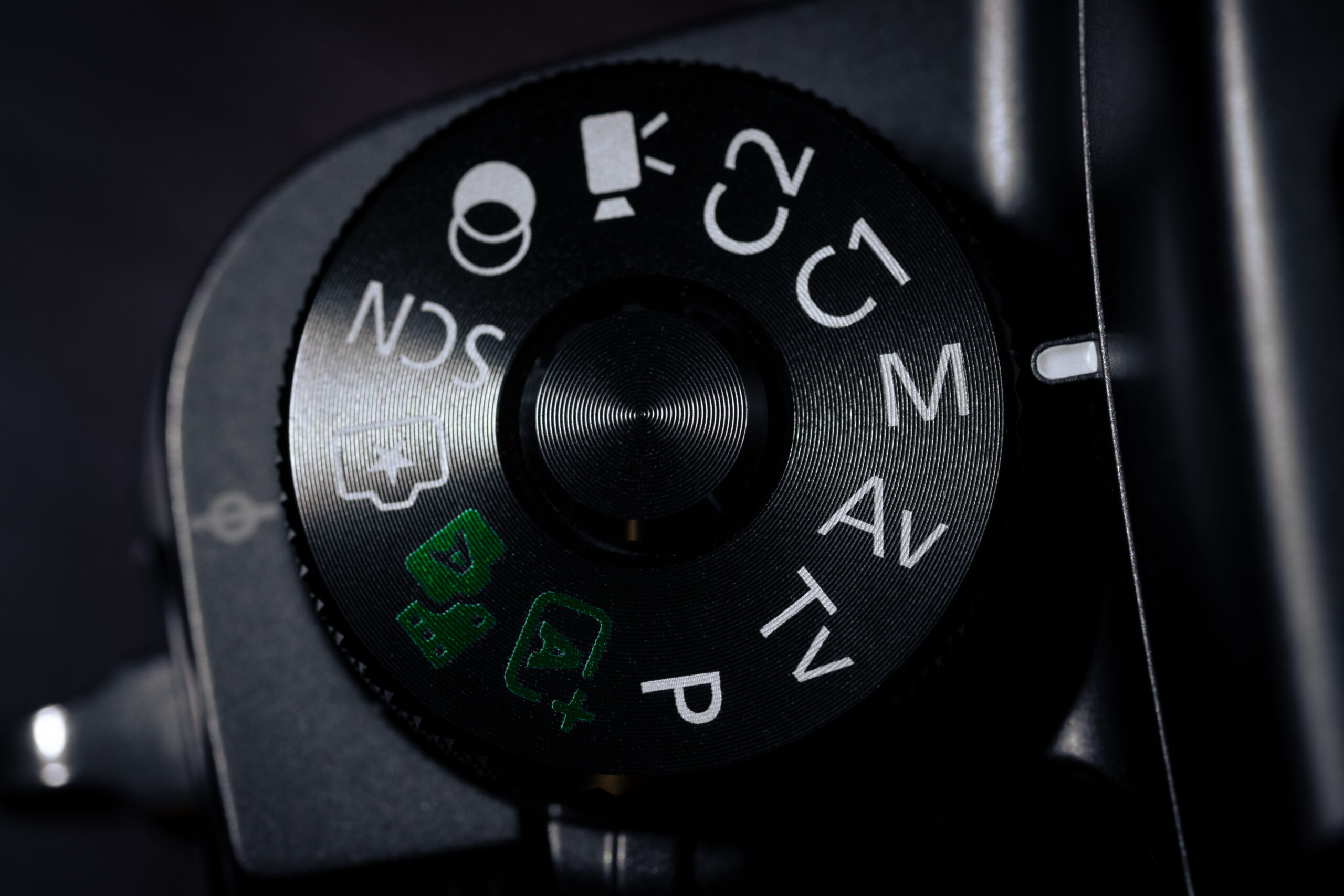
Your camera’s mode dial is one of the most important tools you have — it decides how much control you get over your exposure.
Auto handles everything for you. Great for quick snapshots, but you’re basically just pressing a button and hoping for the best.
- Shutter – Auto
- Aperture – Auto
- ISO – Auto
Program (P) is like a smarter Auto — the camera still picks your aperture and shutter speed, but you can nudge the settings if something looks off. Think of it as training wheels with a little wiggle room.
- Shutter – Auto, but some control
- Aperture – Auto, but some control
- ISO – Auto, but some control
Aperture Priority (Av or A) is where things get interesting. You choose how wide the lens opens, and the camera figures out the shutter speed. This controls depth of field — whether the background is blurry or sharp. Most photographers use this mode the majority of the time.
- Shutter – Auto
- Apeture – Creative control
- ISO – Auto
Shutter Priority (Tv or S) puts you in charge of shutter speed. Fast shutter = freeze a moving subject. Slow shutter = silky blur on water or motion trails. The camera handles the rest.
- Shutter – Creative control
- Apeture – Auto
- ISO – Auto
Manual (M) is full creative control — you set everything yourself. It takes practice, but it’s the best mode for tricky lighting, panoramas, or any time the camera keeps guessing wrong.
- Shutter – Creative control
- Apeture – Creative control
- ISO – Creative control
Start with Aperture Priority, get comfortable, then work your way toward Manual. That’s how most photographers learn.